
Best Starlink Mini Mounts for Vans in 2026
The best Starlink Mini mounts for vans in 2026: magnetic, clamp, suction and bolt-on kits compared on hold, install and view of the sky, with Starlink's specs.

Affiliate disclosure: product links on this page go to Amazon or to the maker's own store. As an Amazon Associate we earn from qualifying purchases, at no extra cost to you; links to makers' own stores earn us nothing. No retailer or brand sees our picks before they are published or has any say in them. How we choose.
For a van with a roof rack, the Golmotas clamp mount clamps to a rack bar or pole with no drilling (per the Amazon listing). For a bare steel roof, the NovaKits magnetic mount lists magnets with up to 150 lb of holding force and an acrylic shield (per the Amazon listing).
Starlink says the Mini needs a clear view of the sky, and its spec sheet gives a weight of 2.43 lb, an IP67 rating with the DC cable and plug installed, and operation in wind of 60 mph or more. Picks were chosen on hold, install and placement.
Our top picks at a glance
1. Best for roof racks
Golmotas Clamp Mount for Starlink MiniType: Clamp · Install: No drilling · Hold: Clamp to bar or pole · Warranty: Not stated
2. Best magnetic
NovaKits Magnetic Roof Mount for Starlink MiniType: Magnetic · Install: No drilling · Hold: Up to 150 lb force · Warranty: 1 year
3. Best bolt-on kit
Veritas Vans Starlink Mount KitType: Bolt-on · Install: Interior or exterior · Hold: Hardware mount · Warranty: 90 days
4. Best suction mount
Spigen Rattleproof Mount Kit STL100Type: Suction · Install: No tools · Hold: 50 lb or more force · Warranty: 12 months
5. Best budget
FONKEN Dash Mount for Starlink MiniType: Suction · Install: No tools · Hold: Not stated · Warranty: Not stated
| Pick | Type | Install | Hold | Warranty | Buy |
|---|---|---|---|---|---|
| Golmotas Clamp Mount for Starlink MiniBest for roof racks | Clamp | No drilling | Clamp to bar or pole | Not stated | Amazon |
| NovaKits Magnetic Roof Mount for Starlink MiniBest magnetic | Magnetic | No drilling | Up to 150 lb force | 1 year | Amazon |
| Veritas Vans Starlink Mount KitBest bolt-on kit | Bolt-on | Interior or exterior | Hardware mount | 90 days | Amazon |
| Spigen Rattleproof Mount Kit STL100Best suction mount | Suction | No tools | 50 lb or more force | 12 months | Amazon |
| FONKEN Dash Mount for Starlink MiniBest budget | Suction | No tools | Not stated | Not stated | Amazon |
Best for roof racks
Golmotas Clamp Mount for Starlink Mini
For a van with a rack or ladder.
- Type
- Clamp
- Install
- No drilling
- Hold
- Clamp to bar or pole
- Warranty
- Not stated
Pros
- 360 degree adjustment (per the Amazon listing)
- Aluminum (per the Amazon listing)
Cons
- Needs a bar or pole
The clamp fits roof rack bars and RV poles (per the Amazon listing). Racks are in best van roof racks.
Best magnetic
NovaKits Magnetic Roof Mount for Starlink Mini
For a steel roof without drilling.
- Type
- Magnetic
- Install
- No drilling
- Hold
- Up to 150 lb force
- Warranty
- 1 year
Pros
- Acrylic shield for hail (per the Amazon listing)
Cons
- Needs a flat steel surface
NovaKits lists an aluminum frame, a 3.5 mm acrylic shield and up to 150 lb of magnetic holding force (per the Amazon listing).
Best bolt-on kit
Veritas Vans Starlink Mount Kit
For a permanent exterior mount.
- Type
- Bolt-on
- Install
- Interior or exterior
- Hold
- Hardware mount
- Warranty
- 90 days
Pros
- Made in USA (per the Amazon listing)
Cons
- Short warranty
Veritas Vans lists a USA-made kit for interior and exterior installs (per the Amazon listing).
Best suction mount
Spigen Rattleproof Mount Kit STL100
For use through a window or sunroof.
- Type
- Suction
- Install
- No tools
- Hold
- 50 lb or more force
- Warranty
- 12 months
Pros
- Quick release (per the Amazon listing)
Cons
- Glass can block signal
Spigen lists suction cups rated for 50 lb or more of force and a quick-release design (per the Amazon listing).
Best budget
FONKEN Dash Mount for Starlink Mini
For occasional use on a dash.
- Type
- Suction
- Install
- No tools
- Hold
- Not stated
- Warranty
- Not stated
Pros
- Low cost
Cons
- Dash placement often limits sky view
FONKEN lists a dash and windshield suction mount (per the Amazon listing).
How we chose
We compared mount type, install and stated hold, and checked them against Starlink's own requirements.
What Starlink says
| Spec | Starlink Mini |
|---|---|
| Weight | 2.43 lb (1.10 kg) |
| Size | 11.75 x 10.2 x 1.45 in |
| Field of view | 110 degrees |
| Rating | IP67 with DC cable and plug installed |
| Wind | Operational in 60 mph or more |
| Temperature | -22 to 122 F |
Starlink's Mini Mobility Mount guide tells you to use the app's obstructions tool to pick a spot with a clear view of the sky, and to mount the dish with its arrow toward the front of the vehicle.
Power
Mounting is half the job: see how to power a Starlink Mini in a van.
Frequently asked questions
What is the best way to mount a Starlink Mini on a van?
On the roof with a clear view of the sky: clamped to a rack bar, held by a magnetic mount on steel, or bolted on.
How much does a Starlink Mini weigh?
Starlink lists 1.10 kg (2.43 lb) for the dish, 2.56 lb with the kickstand.
Can Starlink Mini work through a window?
Glass and the vehicle body can block the view of the sky; Starlink recommends checking placement with the app's obstructions tool.
Is Starlink Mini waterproof?
Starlink rates it IP67 Type 4 with the DC power cable and Starlink plug installed.
Can I use Starlink Mini while driving?
That depends on your service plan and Starlink's terms; check them before mounting for in-motion use.
Sources
- Starlink Mini Specifications, Starlink
- Mini Mobility Mount Install Guide, Starlink
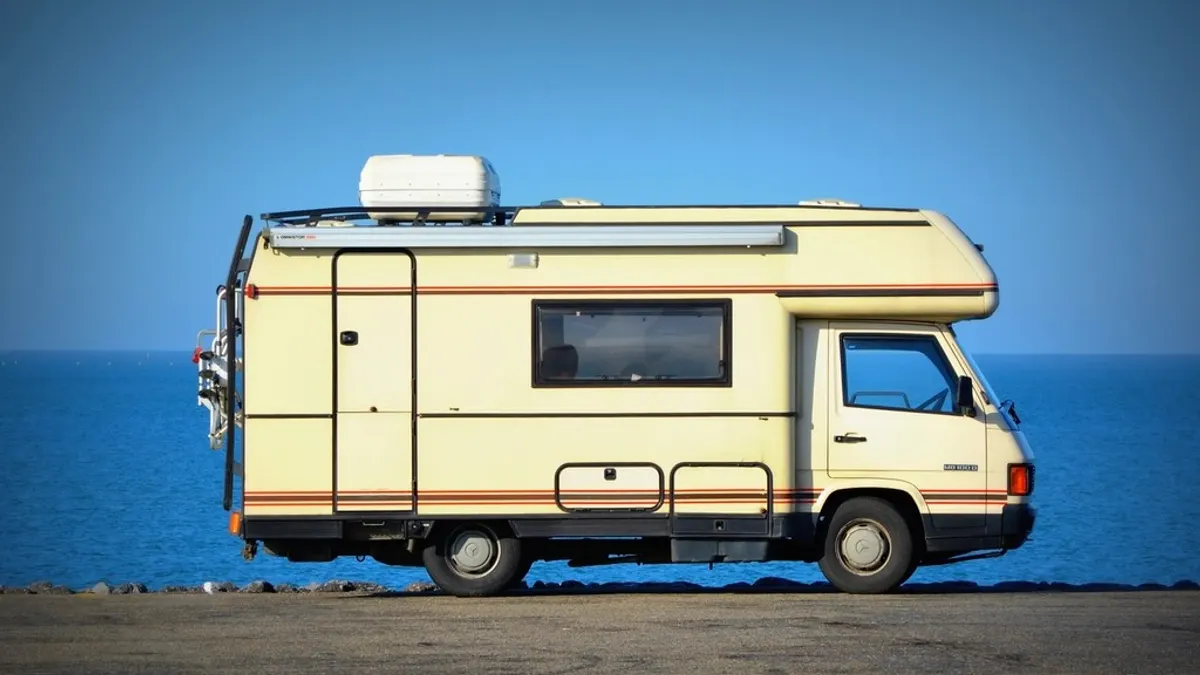
Cover photo: Blue camper van highway road, CC0 1.0, via rawpixel. Cropped.
Related guides

Best Swivel Seat Bases for Camper Vans in 2026
Turn the front seats to face the living area.

Best Van Roof Racks for Transit, ProMaster and Sprinter in 2026
Racks for solar, awnings and gear, matched to your van.